
Live TV
Channels behave like channels
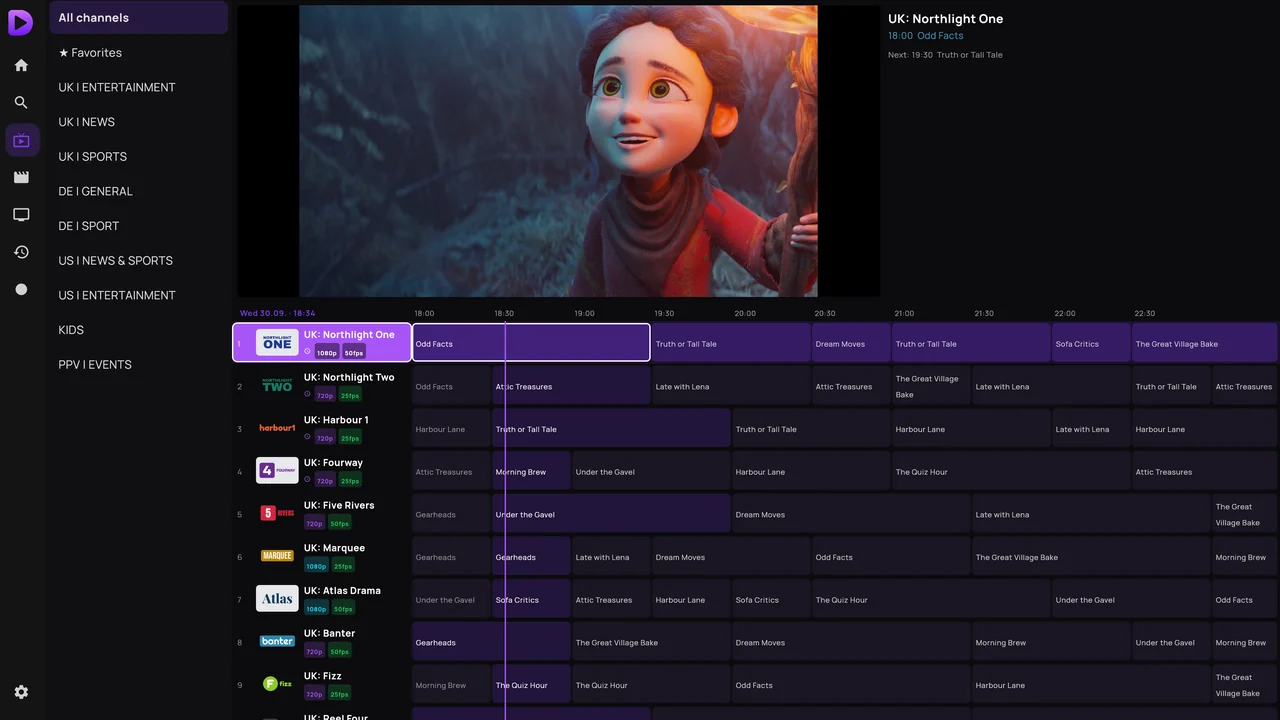
Numbers you can type on the remote, logos where they belong, what's on now beside each one, and the resolution before you tune in. Zapping is instant.
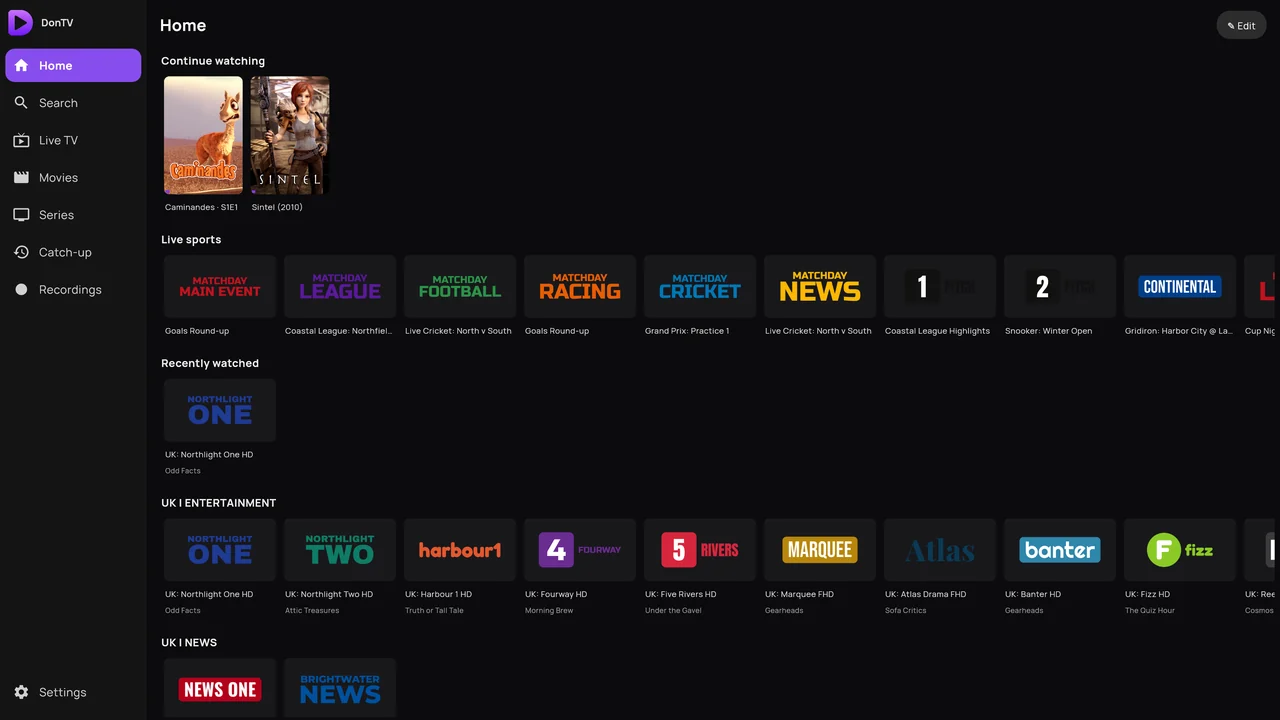
Point M3UTool Player at the Xtream login or M3U link you already have. It sorts your channels, finds the posters, remembers where you stopped, and then gets out of the way.
No card for the trial · then €3 a year, or €15 once
How it works
On the TV, open the Downloader app and type player.dontv.shop/apk. On a phone or tablet, download it here and open the file.
Sign in at player.dontv.shop/account on your phone, paste your Xtream login or M3U link, and type the short code your TV is showing.
The TV picks it up within seconds. Seven days to decide whether you keep it.

What it does
Live TV
Numbers you can type on the remote, logos where they belong, what's on now beside each one, and the resolution before you tune in. Zapping is instant.
Catch-up
Where your provider keeps an archive, the guide scrolls backwards — last night's match plays from the start.
Films
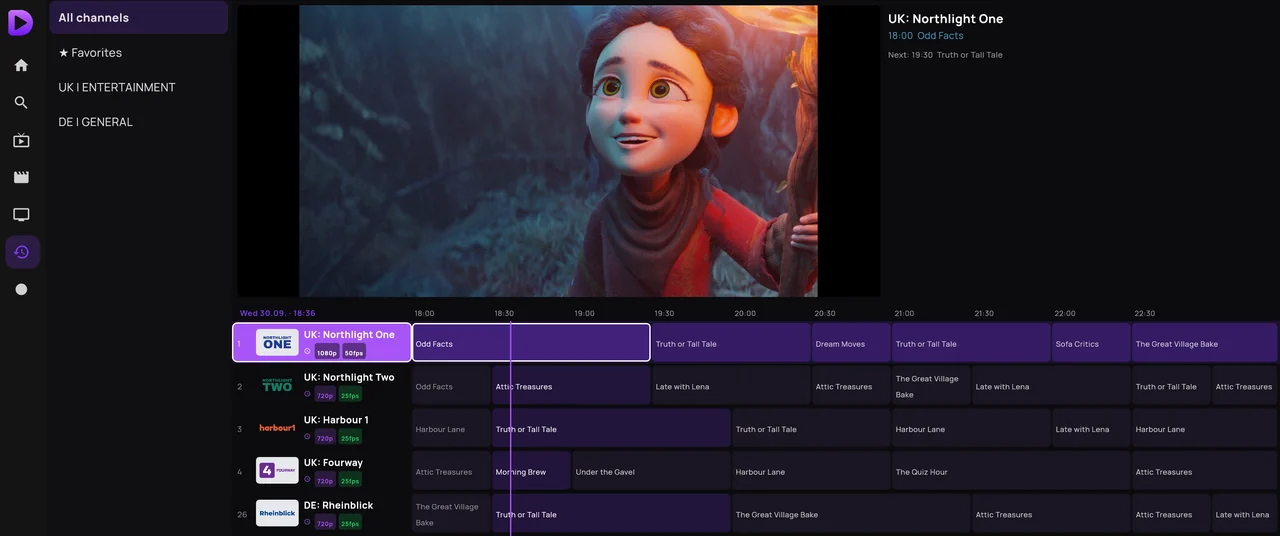
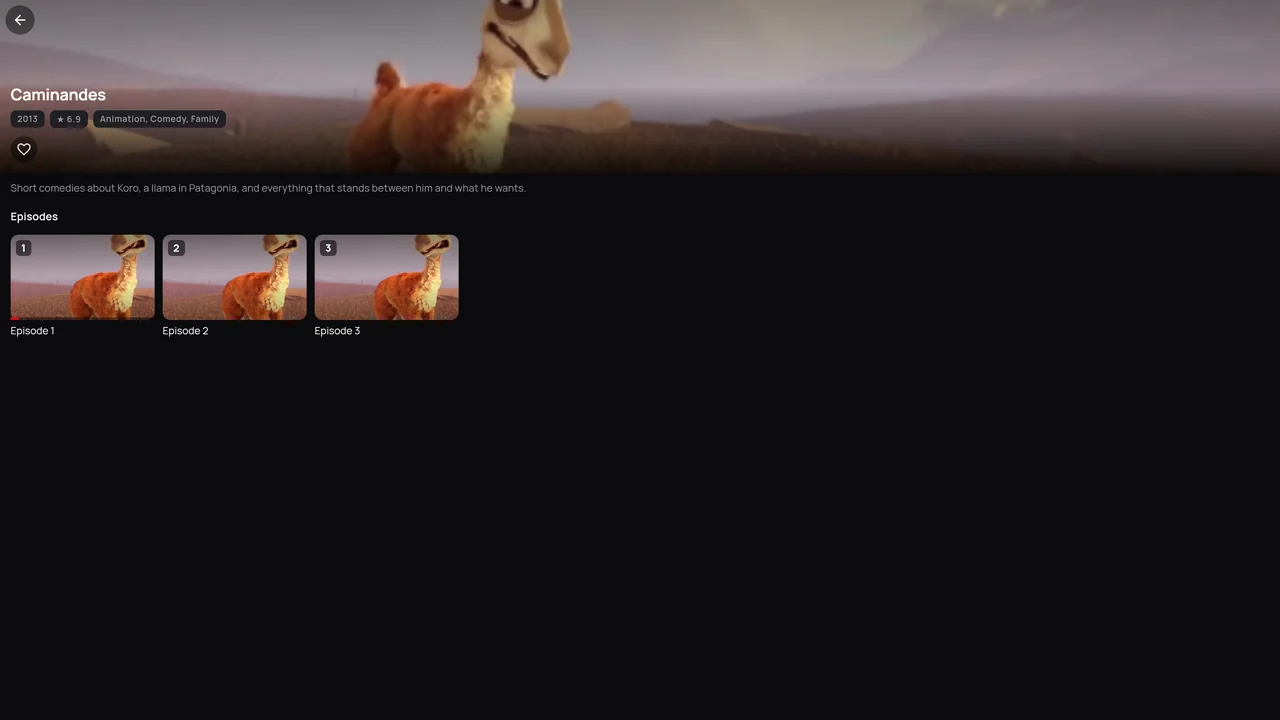
Posters, plot, cast and ratings get pulled in on their own. Your titles stay your titles.
Series
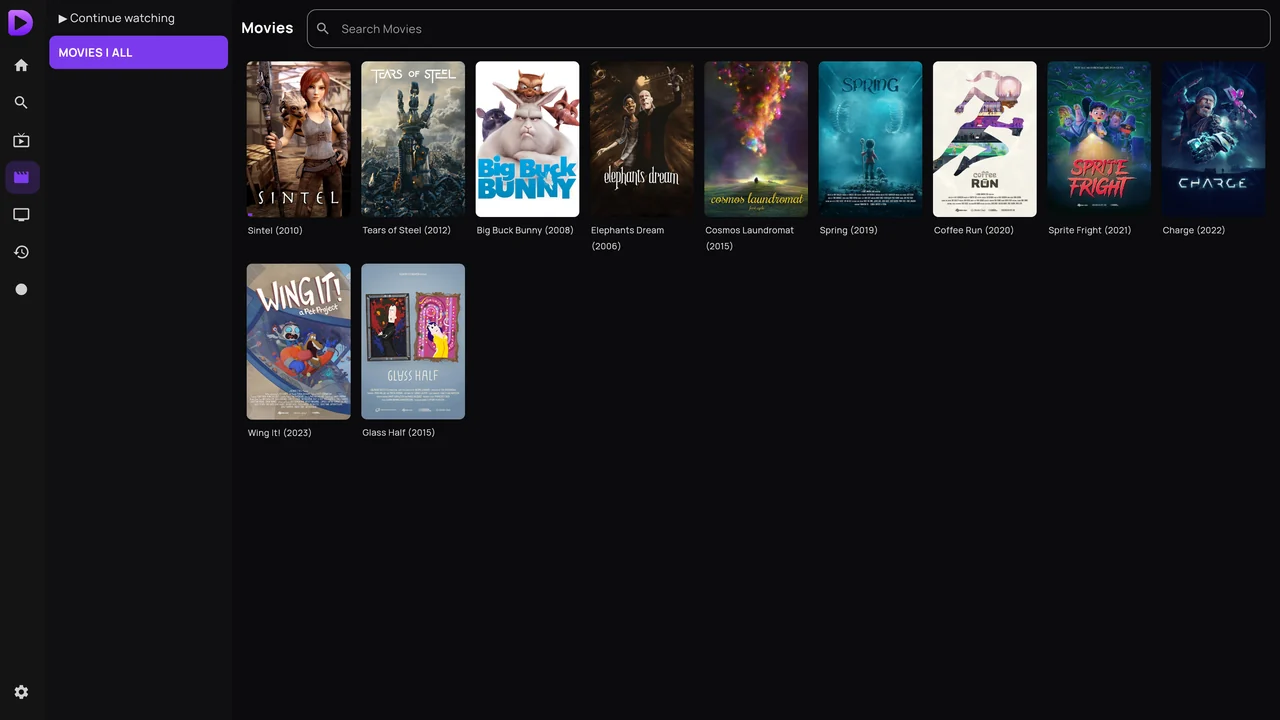
Pick a season, pick an episode, carry on. The next one is waiting when the credits roll.
Search
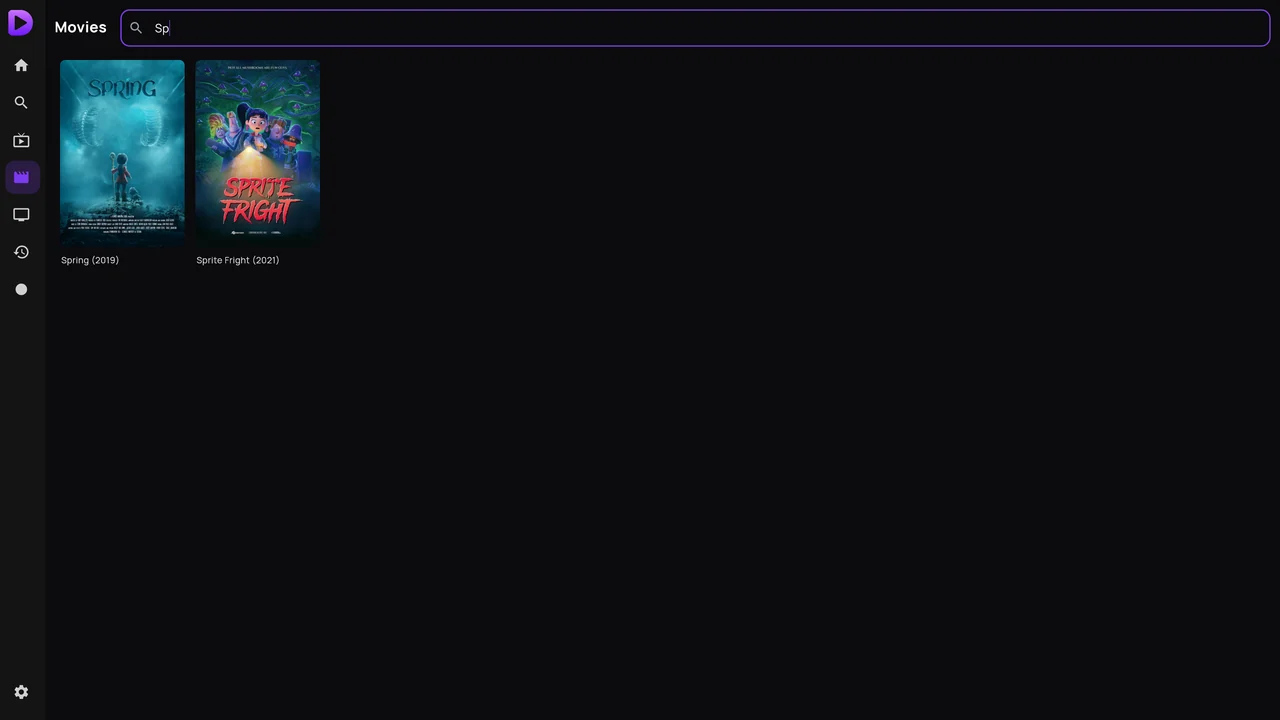
One search covers channels, films and series at once.
Most players sit on a frozen picture. This one notices, re-tunes, and moves to your backup source before you reach for the remote.
The app carries a licence that stays valid for a week. If your internet drops — or ours does — the TV keeps playing.
No ads, no tracking, no account sold on. Your provider login is encrypted and only reaches your own devices.
Your account
Paste your playlist once at player.dontv.shop/account, type the code the TV shows, done. Three TVs on one account — each can play everything you saved, or just one playlist, so the kids' room doesn't see the same channels as the living room.
Open your account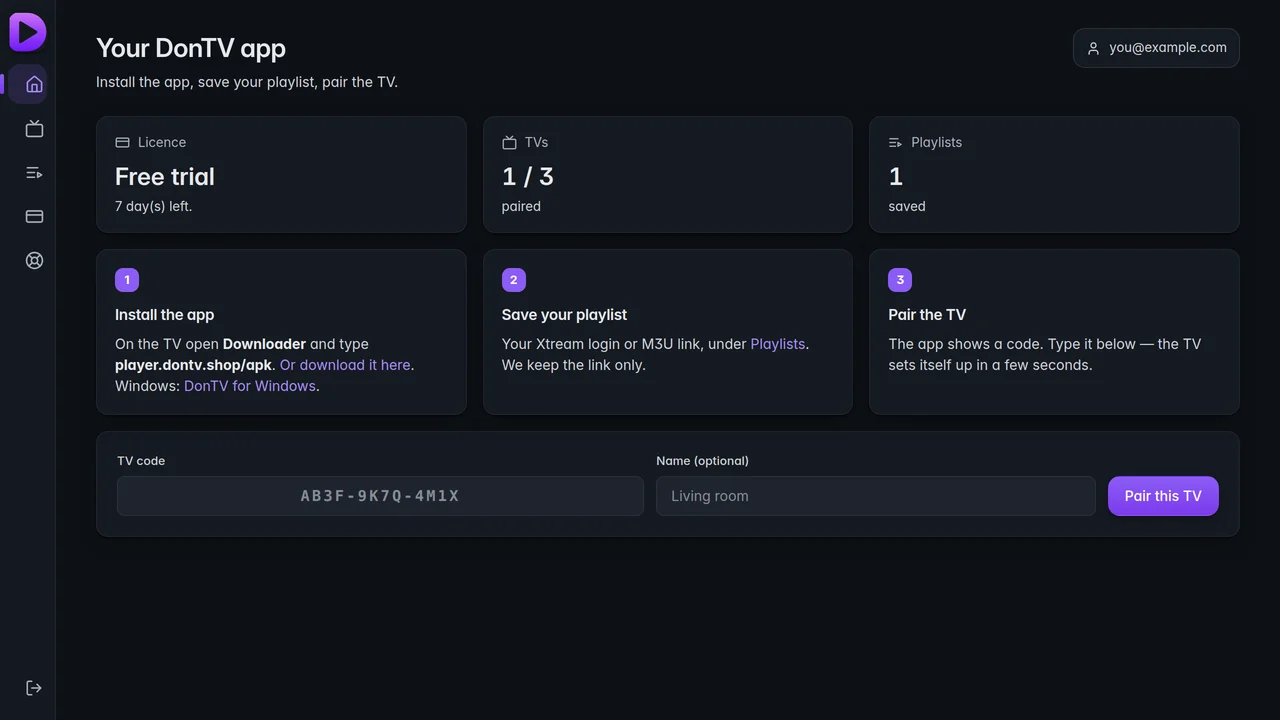
Price
Seven days free first. No card until you decide.
One account covers up to three devices. You sign in first — the checkout needs to know whose licence it is. Pay by card or PayPal — no PayPal account needed for a card.
Questions
No. M3UTool Player is only the app. You bring your own subscription — the Xtream login or M3U link from whoever you already pay. We never supply, host or resell channels.
If they give you an Xtream login (host, username, password) or an M3U link, yes. That covers almost everyone.
Install the free Downloader app from your TV's store, type player.dontv.shop/apk, and let it install. On a phone, tap the same link and open the file.
No. The seven days start when you add your first TV to your account, and nothing is asked of you until they run out.
Three per account. Each one can play everything you have saved, or a single playlist of its own.
No. The app checks the playlist you enter, recognises an M3UTool line, and stays free — no trial to run out, no price to see.
Not today. Android TV, Google TV, Fire TV and Android phones and tablets.
Already installed it? Set up your playlist →